
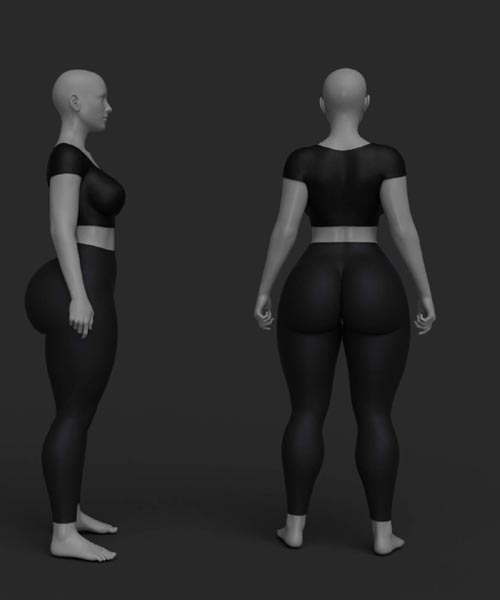
Orpixels OrBody 40 Morphs for Genesis 8/8.1 Female
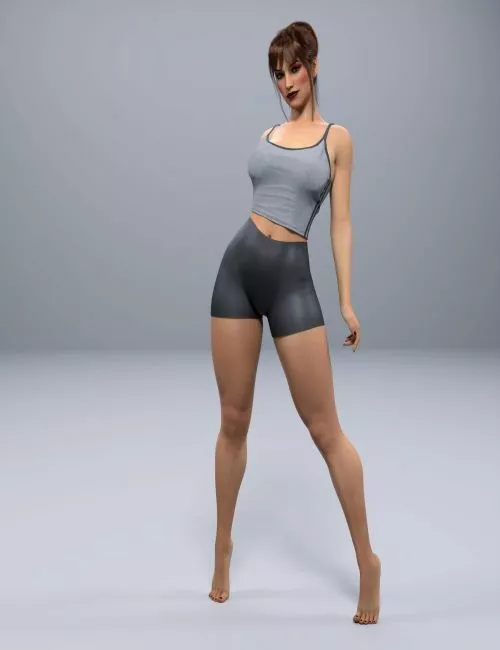
Morphs Package for Genesis 8 Female
This package contains morph files only.
INSTALLATION
1. Unzip the downloaded file.
2. Follow the detailed instructions provided in the attached TXT file.
Morphs Installation Path:
My Library/data/Daz 3D/Genesis 8/Female/Morphs/
IMPORTANT NOTES
If you experience any deformation during installation:
If a warning message appears due to version differences in DAZ Studio, simply follow the steps shown in the provided screenshot and accept the changes. This is common when using a different DAZ Studio version.
Manual Installation Required:
This product does NOT include an automatic installer.
Manual installation is required.
If you are unfamiliar with manual installation, please carefully read the TXT instructions included in the ZIP file.
Library Visibility:
The body shaping morphs will NOT appear in your Content Library.
After installation:
Open DAZ Studio
Load Genesis 8 Base Female
Go to the "Parameters" tab or "Shaping > Actor > Female"
Adjust the morph sliders to your preference
Compatibility Requirement:
Installation must be done on Genesis 8 Base Female.
Install the files directly into the exact folders provided in the download.
Detail: https://www.renderhub.com/orpixels/orpixels-orbody-40-morphs-for-genesis-8-8-1-female
DOWNLOAD HERE:
https://ezvn.net/z854hko72bhq/renderhub-Orpixels-OrBody-40-Morphs-for-Genesis-88.1-Female.rar.html
https://nfile.cc/j78OeyKQ/renderhub-Orpixels-OrBody-40-Morphs-for-Genesis-88.1-Female.rar
Related News
System Comment
Information
 Users of Visitor are not allowed to comment this publication.